Woodworking Plans: Is TedsWoodworking Worth It?
By Woodshop Blueprints
We may earn a commission if you buy through our links, at no extra cost to you. Independent site. Individual results vary. Always follow safe tool and workshop practices.
Paid link. We may earn a commission.
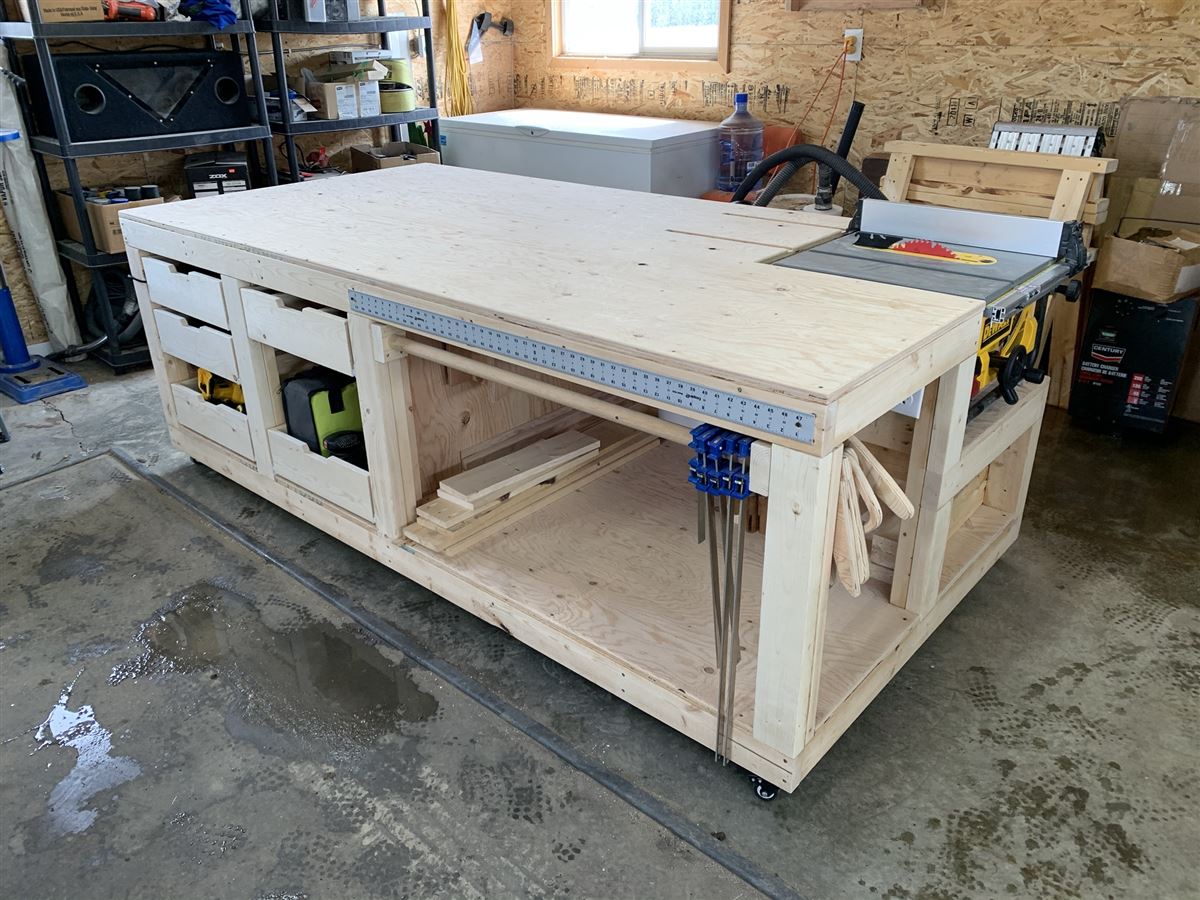
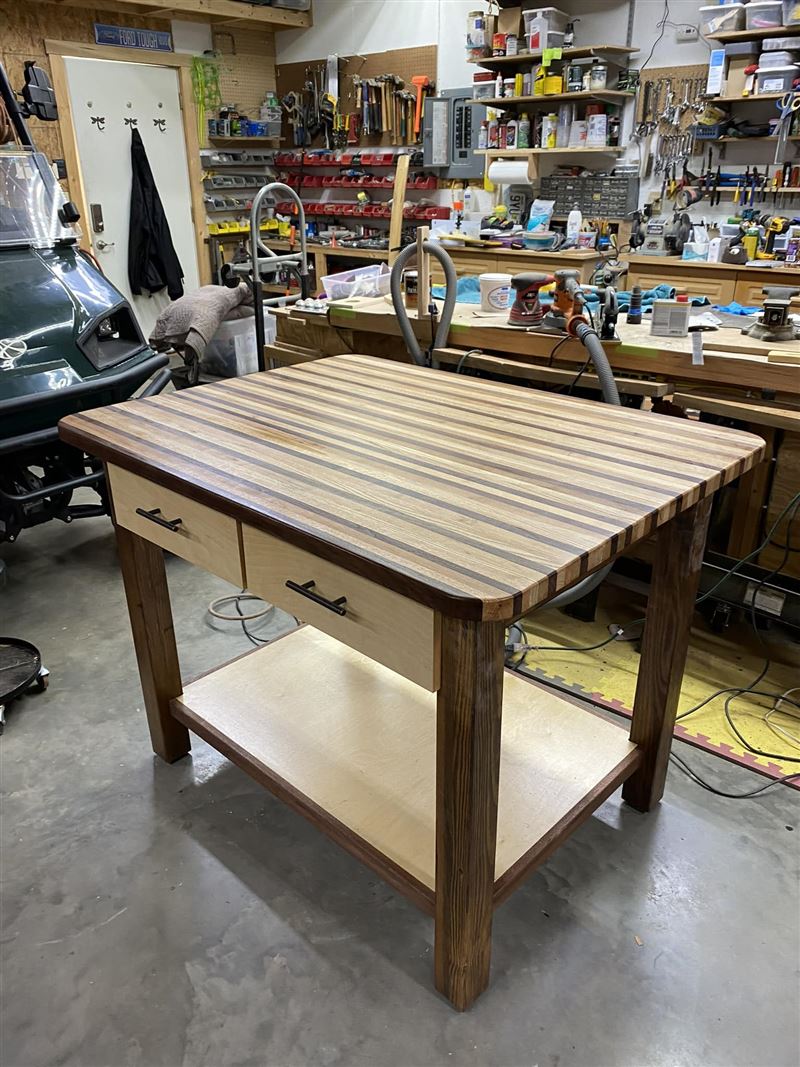
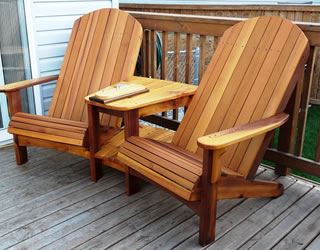
You know what you want to build. Maybe it is a workbench, a bookshelf, or a porch bench. You clear a Saturday and buy the wood.
Then step four or five stops making sense. A measurement does not match the drawing. A step seems to be missing.
It is easy to blame yourself when this happens. But often the plan is the real problem. Many plans look neat but leave out key details.
Maybe you found TedsWoodworking while looking for better plans. This guide starts with what makes any plan good. Then it covers what you get, the price, and who it suits.
What to look for before you buy
These checks help whether you buy one plan, a big library, or use free plans. They can save you wood. They can also save your weekends.
A full cut list
A good plan lists every piece and its final size. It also lists screws, hinges, glue, and finish. If the list is vague, expect extra trips to the store.
Real lumber sizes
A 2x4 board is not really 2 inches by 4 inches. It is smaller after milling. Look for plans that use the real sizes you will buy.
Clear steps in order
A photo of the finished piece is not enough. You need numbered steps. They should tell you what to put together first and how to keep it square.
Tools you already have
Check what tools a plan expects. Some need a router, a planer, or a jointer. If you are new, pick projects that use a few common tools.
An honest skill level
Skill labels help you pick a project you can finish. Start small, like a shelf or a step stool. Save cabinets and fancy joints for later.
Easy to use and search
Think about how you will use the plans. Will you print them or read them on a tablet? In a big collection, good search matters more than the total count.
Refunds and free options
Read the refund rules before you pay. Write down how to ask for a refund. Also try a free plan or two from a library or magazine to compare.
What the seller says about it
TedsWoodworking is a digital library of woodworking plans. You reach it through an online members area. The seller says it has over 16,000 plans, each one built and tested before release. We have not checked those claims.
What each plan includes
Every plan comes with step-by-step instructions. It also has cut lists, materials lists, and drawings that show how the joints fit. Most plans are for beginners, with some intermediate and expert ones.
How it is organized
The members area can be searched and filtered. You can search by keyword, browse over 100 categories, and sort by skill level.
Tools and space
Most plans need four tools: a table saw, a drill, clamps, and a sander. A table saw can cost a lot if you are just starting.
New plans and requests
New plans are added each month. Members can also ask for a custom plan inside the members area. You cannot know ahead of time how fast a request will be handled.
Bonuses included
- DWG/CAD Plan Viewer: software to open and change plans.
- Over 150 videos: lifetime access.
- How To Start A Woodworking Business: a guide about selling your work.
- Complete Woodworking Guides: over 200 pages with drawings and photos.
Format and selling your work
Access is digital. You can also get everything on a USB drive or DVDs. DVDs cost a small extra fee. You may sell the projects you build from the plans.
Paid link. We may earn a commission.
Pros and cons
Product details come from the seller's sales page.
Pros
- Each plan has cut lists, materials lists, steps, and joint drawings.
- You can search by keyword, category, and skill level.
- Under the current deal, you pay $67 once for lifetime access. No monthly bill.
- Most plans are for beginners and need basic tools.
- A 60-day money-back guarantee gives you time to look.
- You can ask for custom plans and sell what you build.
Cons
- Digital by default. Physical DVDs cost extra.
- Most plans need a table saw. Budget for one if you do not own it yet.
- With so many plans, it can take a little time to find the right one.
- Results vary. Your skill and care matter as much as the plan.
Who it is for, and who it is not for
A good fit if
- Hobbyists who want lots of project ideas in one place.
- Beginners who own, or plan to buy, a table saw, drill, clamps, and sander.
- Builders who like cut lists to plan what wood to buy.
- People who prefer to pay once, if the one-time deal is still open.
- Makers who want to sell their work, which is allowed.
Not a good fit if
- Anyone who needs only one or two plans they can find free.
- People who dislike digital files and do not want to pay for DVDs.
- Those with no tools and no budget for basics yet.
- Skilled woodworkers who already design their own projects.
Price and guarantee
The current deal is a one-time payment of $67. You pay once and keep lifetime access, with no monthly fees.
The seller says this deal will not last. It has started moving to a membership that costs $39 every month. That is a monthly bill, not a lower price. Over a year, $39 a month adds up to $468. Once the $67 deal ends, the monthly plan would be the only option. We cannot tell you when that will happen, or if it will. Check which price you see before you pay.
Payment goes through ClickBank. Physical DVDs cost a small extra fee.
There is a 60-day money-back guarantee. You email to ask for a refund. Save your receipt and note the date you bought.
Prices and terms can change. Please confirm all details on the seller's website before you buy.
Frequently asked questions
Is it a book or a download?
It is a digital members area. DVDs or a USB drive can be shipped, and DVDs cost extra.
How much does it cost?
Right now it is $67 once for lifetime access, with no monthly fees. The seller says this deal may end and be replaced by a $39 monthly membership. Check the seller's website for the current price.
Can I get a refund?
There is a 60-day money-back guarantee, requested by email. Read the current terms before you buy.
What tools do I need?
Most plans need a table saw, drill, clamps, and sander. Some harder plans may need more.
Is it good for beginners?
Most plans are for beginners, and you can filter by skill level. How easy it feels depends on you.
Can I sell what I build?
Yes, you can sell the projects you build.
Will my projects turn out perfect?
No plan can promise that. A good plan cuts guesswork, but careful measuring and cutting are still up to you.
How we wrote this guide
We did not buy or test this product. This guide is based on the seller's public sales page, and claims about the product are the seller's. Check the price and terms on the seller's site before you buy.
Paid link. We may earn a commission.